
Regulation and Integration
TPS Online (Indonesian Customs): what it is, who must report and how it works
TPS Online is the electronic data exchange between customs and a temporary storage (TPS) operator for goods entering and leaving. Learn who must connect, what is reported and what to do when a response is unclear.
- Topic
- Regulation and Integration
- Updated
- 13 November 2026
- Reading time
- 10 min
- Sections
- 10
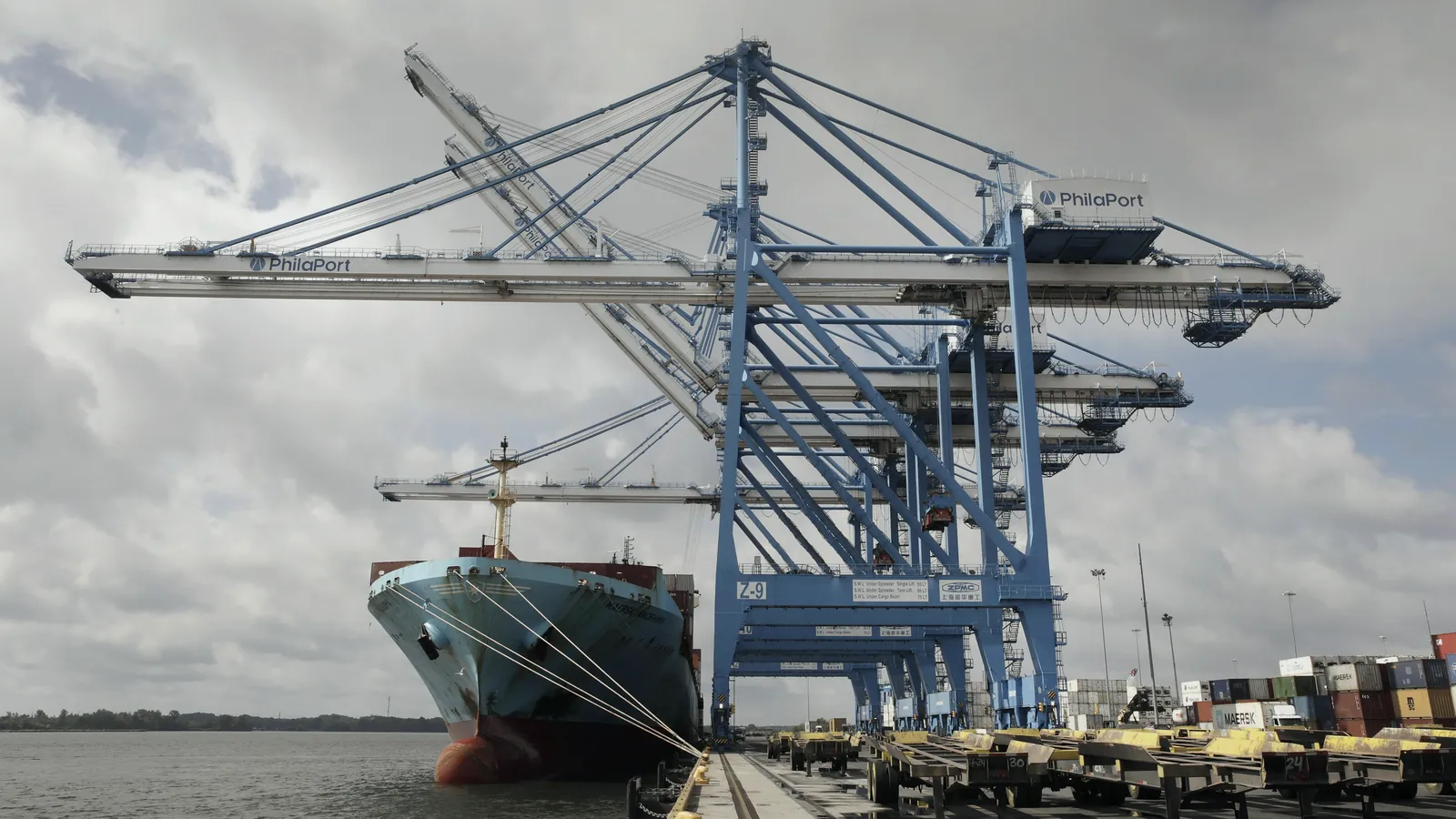
TPS Online is the electronic data exchange between a customs office and a temporary storage place (Tempat Penimbunan Sementara, TPS) for data on goods moved into and out of the TPS, plus related administration. Peraturan Direktur Jenderal Bea dan Cukai Nomor PER-10/BC/2020 defines it in Pasal 1, and Peraturan Menteri Keuangan Nomor 109/PMK.04/2020 sets the wider rules for customs areas and TPS.
The name confuses people because "TPS" also means a physical place. A TPS is a building, a yard or another place inside a customs area where goods wait temporarily for loading or release. A storage tank can be that place. This guide explains what TPS Online carries, who has to connect, what a fuel terminal reports, what to do when the link or the response fails, and how the data relates to the terminal's other systems. Regulation status is given as of 13 November 2026.
Basics
What a TPS is and what TPS Online adds
A TPS is a place where goods wait under customs supervision before they are loaded or released. TPS Online is the data line between that place and customs.
PER-10/BC/2020 describes the TPS Online system as an exchange of electronic data between the customs office and the TPS about goods entering and leaving, and about other administration. On the customs side it runs on the office's service computer system, called SKP TPS Online (Sistem Komputer Pelayanan). On the TPS side the operator needs its own electronic system for managing stored goods that can talk to it.
Three things travel through the line. The operator reports what has been stored and what has left. Customs sends the approvals that allow goods to enter or leave. Each exchange is answered by a response that says whether the data was received.
On the customs side
- SKP TPS Online at the supervising customs office
- Approvals for goods to enter or leave
- A response to each report received
On the TPS side
- An electronic system that manages stored goods
- A data link that stays up around the clock
- Records kept for ten years
- Sistem TPS Online
- Electronic data exchange between a customs office and a TPS (Pasal 1)
- SKP TPS Online
- The customs office's computer system for supervision and service at a TPS
- Sistem Pintu Otomatis TPS
- Automatic gate that moves goods in and out of a TPS that already runs TPS Online
- TPS Pusat Distribusi
- A TPS whose main function is storing imported or exported goods for onward transport
Obligation
Who must connect to TPS Online
The duty falls on the TPS operator (pengusaha TPS), and it depends on the customs office that supervises the TPS.
Pasal 19 of PER-10/BC/2020 covers TPS operators under a customs office that has applied SKP TPS Online as mandatory. They must have an electronic system for managing the goods stored and an electronic data link to the customs office's system. The link must send and receive responses and data in real time and stay connected 24 hours a day, seven days a week.
The mandatory application is phased. Annex III lists customs offices and dates, and the timeline below summarises the TPS Online part. A terminal should read Annex III for its own office and ask the supervising customs office, instead of assuming that a date applies.
How the rules phased in
- 11 Aug 2020
PMK 109/PMK.04/2020 enacted
It replaced PMK 23/PMK.04/2015 and its amendment PMK 133/PMK.04/2016.
- 11 Sep 2020
In force; first offices mandatory
Tanjung Priok, Soekarno-Hatta, Belawan, Kuala Tanjung, Palembang, Cikarang, Tanjung Perak and Bitung.
- 1 Jan 2021
Second group of offices
Batam, Tanjung Emas, Juanda, Ngurah Rai, Kualanamu, Yogyakarta and Makassar.
- 1 Jul 2021
Third group of offices
Merak, Balikpapan and Bandar Lampung.
- 1 Jan 2022
All other customs offices
The last line of the TPS Online table in Annex III.
Data
What a fuel terminal reports
A fuel terminal that is also a TPS reports what is in its tanks and when it moves, in the data layout customs prescribes.
For bulk goods, Pasal 24 of PER-10/BC/2020 says the list of goods must contain at least the fields in the table below. The same article sets the clock: the operator reports goods stored, and goods released, within 12 hours at customs offices that have applied SKP TPS Online, and within 24 hours at other offices.
That clock is why the data has to come from a system. A spreadsheet typed at the end of the shift cannot meet a 12-hour reporting window when several tanks and shipments move in a day.
Units need an early decision. The list asks for quantity and for weight, while a terminal measures volume from tank level. Agree with the supervising customs office which basis is reported and how volume converts to weight. Keep the density and temperature used for the conversion in the record, so a figure can be traced back to a reading.
One rule shapes tank planning. Pasal 15 says imported and exported goods cannot share a tank, and cargoes from different shipments may share a tank only when they are the same type and specification.
- TPS name and code
- Which storage place the report is about
- Storage date and time
- When goods were stored; time if available
- Type and quantity of goods
- For bulk goods, the kind of product and the amount
- Transport document
- Bill of lading, airway bill or another transport document number
- Weight of the goods
- Weight, as the list requires for bulk goods
- BC 1.1 number and date
- Customs notification of the arriving cargo (inward manifest)
- Storage location
- Block or tank number, where applicable
- Release date and time
- When goods left the TPS; time if available
- Approval numbers and dates
- Release approval from the TPS and entry approval
Designation
How a storage tank becomes a TPS
Customs designates a TPS, and for a tank the application has to carry measurement evidence.
Under Pasal 12 of PER-10/BC/2020, an operator asks the regional office or the main service office to designate a building, yard or other place as a TPS. The application states who is responsible, the business entity, the location, and the size or capacity (volume) and boundaries of the storage.
When the storage is a tank, the application also carries the tank's calibration (tera) result from the authorised agency. It adds a list of measuring instruments with their tera results, or a statement that adequate instruments will be provided.
Pasal 18 adds a link to the physical plant. For a tank TPS, the place for physical inspection is where the measuring instrument and the discharge line are installed, so that a sample can be taken. In plain terms, customs expects a tank TPS to have trustworthy measurement and a way to sample, and every TPS Online report rests on those readings.
How level readings become volume is the work of the tank management system. The INTEGRA TMS page shows how Citia handles it.
{
  "tps_code": "TPS-EXAMPLE",
  "movement": "stored",
  "stored_at": "2026-01-01T08:00:00+07:00",
  "product": "EXAMPLE PRODUCT",
  "quantity": "placeholder, unit as the interface requires",
  "transport_document": "BL-EXAMPLE-0001",
  "bc11": "BC11-EXAMPLE",
  "tank": "T-EXAMPLE",
  "approval_in": "APPROVAL-IN-EXAMPLE",
  "internal_ref": "REPORT-0001",
  "status": "prepared"
}Field tips
Data mistakes that cause doubtful reports
Most reporting trouble starts in master data, not in the interface.
The same tank appears under two names, so the report shows a location customs does not recognise. A product is renamed in the terminal system but not in the reporting application. A bill of lading number is typed in one format at receiving and another at delivery, and the balance stops matching. Each of these looks like a communication fault until someone compares the records.
- Keep one list of tanks, products and vessels, and let every system read from it.
- Validate document numbers when they are entered, not when they are sent.
- Freeze the data of a submitted report. Changes go through a correction with a new reference.
- Compare, every day, the items sent, the items answered and the items in the terminal records.
The daily comparison is cheap. It is also the fastest way to find a missing response before the reporting window closes.
Flow
How a report moves from tank to response
A report starts in the physical world: a vessel discharges into a tank, or a truck loads from one. The data follows.
The movement is recorded in the terminal's own systems, such as the tank management system for receipts and the terminal automation system for loading. A TPS Online application prepares the report from those records, checks it against master data, sends it to the customs system and waits for the response. If something is wrong, the operator corrects it and submits again, keeping the link between the original and the correction.
Roles matter as much as software. Usually one person prepares a report, a supervisor reviews and releases it, and an administrator maintains master data. When one login can do all three, an error or a deliberate change is hard to trace afterwards.
Each step leaves evidence. The prepared data, the time of sending, the response and the status shown by the customs system are different records, and keeping them apart is what makes a later investigation possible.
INTEGRA TPS Integration, the Citia product for this task, follows the same order: Excel import of receiving data, validation, report preview, submission, status check and correction history. The interface version and the customs endpoint are agreed during implementation, because they depend on the site and the customs office.
The physical movement: a receipt into a tank or a truck loading out.
Hover, focus or tap a step to read its note.Failures
When the link or the response fails
Links fail, and the regulation expects it. The task is to keep the record straight while the link is down.
If the customs system is disrupted, Pasal 24 lets the operator submit the list of goods manually, and requires the same list to be sent again through TPS Online once the system works. Pasal 32 and 33 cover approvals: customs officers can record entry and release approvals manually, and the operator asks a customs officer to confirm an approval while TPS Online is down.
The automatic gate has its own fallback in Pasal 34. After confirmation from customs, the operator serves goods manually, records what actually happened when the gate is back, and sends that record through TPS Online.
Rehearse these fallbacks before they are needed. A short drill with the operators, using the manual forms and the confirmation request, shows who holds the contact details of the customs officer and where the manual records are kept.
A terminal application meets one more case that the regulation does not describe: the request leaves the terminal and no response comes back. The Citia article on TPS submission status and corrections explains why that is not the same as a failed submission.
Write down what you know
Document identity, time sent, and the version of the data that left the terminal.
Check the status first
Read the response history in the application and, where available, the status shown by the customs system.
Decide: wait, correct or resend
Resend only when the first request is known not to have arrived. A correction gets a new reference and keeps the link to the original.
Ask the supervising office
Bring the identity and the log. Pasal 33 expects the operator to ask customs to confirm approvals when TPS Online is down.
Reconcile after recovery
Send manual items again through TPS Online and compare counts with the terminal records.
Systems
TPS Online next to TAS and TMS
TPS Online reports documents and goods movements to customs. It does not replace the systems that run loading or measure tanks.
The terminal automation system runs orders, gates and loading. A tank management system reads gauges and keeps physical stock. The TPS application sits beside them and reports to customs. Each has its own source of truth, and the numbers can differ for good reasons: a document balance changes when a delivery is booked, while a tank level changes when product physically moves.
A practical routine is a daily reconciliation with three columns: what the terminal systems recorded, what the TPS application sent, and what customs answered. Each difference gets a reason code, such as timing, correction or missing response. A difference without a reason is the one to investigate first, because it is either a data fault or a gap in the link.
The Citia article TAS, TMS and TPS compared sets out these boundaries, and what a terminal automation system is covers the loading side. The link to the business system is described in integrating TAS and TMS with SAP.
| Criterion | TAS | TMS | TPS Online application |
|---|---|---|---|
| Manages | Orders, gate, loading and delivery documents | Tank levels, tank tickets and physical stock | Customs reports, approvals, responses and balances |
| Typical record | A loading transaction with measured volume | A tank reading or a tank ticket | A report with its response and status |
| Checked by | Terminal operations and the ERP | Inventory and reconciliation teams | Customs |
| Mistake to avoid | Closing a transaction without measured volume | Trusting a stale stored value | Treating a document balance as tank stock |
Preparation
Getting a terminal ready for TPS Online
A terminal gets ready for TPS Online by fixing its data first and its software second.
Start with the obligation. Ask the supervising customs office whether SKP TPS Online is mandatory for your TPS and from when, and read Annex III of PER-10/BC/2020 for your office. Then look at the link. Pasal 19 asks for real-time exchange and a connection available 24 hours a day, seven days a week, so network design, power backup and monitoring belong in the project, not only the application.
Data quality decides the rest. Tank numbers, product names, bill of lading numbers and BC 1.1 references must match across the terminal's records and the report. A mismatch found at submission costs more than one found when master data is set up. Pasal 23 also asks the operator to keep records, including electronic data, for ten years, so the application needs history that can be exported.
Before go-live, test the unhappy paths. Run a normal submission and response, a response that arrives late, a rejected record, a deliberate duplicate attempt and a link loss in the middle of a batch of reports. Write the result of each into the acceptance record, the same way a loading bay is tested by unplugging the network during a batch.
The engineering is the same as in any TAS project. TAS architecture shows how the layers fit, and the Citia projects at the Jambi fuel terminal and Padalarang show the kind of terminal data, from shipment to filling and gate-out, that such reports draw on.
Confirm the obligation
Ask the supervising office and read Annex III for your office.
A link that stays up
Real-time exchange, around the clock: network, power and monitoring.
Clean source data
Tank numbers, products and document numbers match everywhere.
Status and logs
Each submission, response and status kept as a separate record.
Ten-year records
Electronic data kept and exportable for audit (Pasal 23).
Roles that match duties
Who may submit, correct and approve, with a record of each action.
As of 13 November 2026
Status of the regulations
JDIH Kemenkeu lists PMK 109/PMK.04/2020 and PER-10/BC/2020 as in force, with no amendment recorded for either.
PMK 109/PMK.04/2020 was enacted on 11 August 2020, took effect on 11 September 2020 and replaced PMK 23/PMK.04/2015 and its amendment, PMK 133/PMK.04/2016. JDIH also lists several 2026 Ministry of Finance regulations as related documents. This guide has not confirmed how they relate, so check the current text and the supervising customs office before relying on a specific article.
To check status yourself, search the regulation number on JDIH Kemenkeu, read the status line, then open the sections that list amendments and related documents. Repeat the check before a project milestone, because a related regulation can change an obligation without changing the number you are reading.
This article explains the system and its data. It does not replace the regulation or the instructions of the customs office, and the exact interface and requirements for a site come from them.
Terms explained
- TPS (Tempat Penimbunan Sementara)
- A building, yard or other place in a customs area where goods wait temporarily for loading or release.
- TPS Online
- The electronic data exchange between a customs office and a TPS about goods entering and leaving.
- SKP TPS Online
- The customs office's service computer system for supervision at a TPS.
- Pengusaha TPS
- The operator of a TPS, who carries the reporting duties.
- BC 1.1
- The customs notification of cargo arriving on a vessel, also called the inward manifest.
- BL (bill of lading)
- The transport document that identifies a cargo and its quantity.
- Sistem Pintu Otomatis TPS
- An automatic gate that moves goods in and out of a TPS using TPS Online data.
- Persetujuan pemasukan/pengeluaran
- The approval that lets goods enter or leave the TPS, exchanged through the system.
Frequently asked questions
Who must use TPS Online?
TPS operators under a customs office that has made TPS Online mandatory must connect to it. Pasal 19 of PER-10/BC/2020 states the duty, and Annex III lists the offices and dates. A terminal should confirm its own date with the supervising customs office.
What data does a TPS report to customs?
The operator reports the list of goods stored and released, plus approvals. For bulk goods, Pasal 24 requires at least the TPS name and code, storage and release times, type and quantity, transport document, weight, BC 1.1, storage location such as the tank, and approval numbers.
How fast must the report be sent?
Within 12 hours of completing storage or release at customs offices that have applied SKP TPS Online, and within 24 hours at other offices, under Pasal 24 of PER-10/BC/2020. The clock runs from the movement, so the data must come from a system, not a manual summary.
What should I do if the TPS Online response is not received?
Check the status of the earlier submission before doing anything else. A missing response does not prove the request failed. Read the response history, then decide whether to wait, correct or resend, and ask the supervising customs office to confirm if needed.
Can data be sent again to TPS Online?
Yes, in the cases the regulation describes: data submitted manually during a disruption must be sent again through TPS Online when it works (Pasal 24). Outside that, resend only when you know the first request did not arrive, and keep the link between original and correction.
How long must TPS records be kept?
Ten years. Pasal 23 of PER-10/BC/2020 requires the operator to keep books, records and documents, including electronic data, on goods entering and leaving the TPS for ten years, and to hand them over for a customs audit.
Is TPS data the same as tank stock?
No. TPS data is a customs record of documents and goods movements, while tank stock comes from gauges and inventory procedures. The two can be reconciled, but timing and transaction rules differ, so they should not be treated as one number.
Sources and further reading
- PER-10/BC/2020: Petunjuk Pelaksanaan Penetapan Kawasan Pabean dan Tempat Penimbunan Sementara (opens in a new tab)
- PMK 109/PMK.04/2020: Kawasan Pabean dan Tempat Penimbunan Sementara (opens in a new tab)
- PMK Nomor 109/PMK.04/2020 (metadata dan status) (opens in a new tab)
- Direktorat Jenderal Bea dan Cukai (opens in a new tab)
- INTEGRA TPS Integration (opens in a new tab)
- TPS submission status and corrections (opens in a new tab)
- TAS, TMS and TPS compared (opens in a new tab)
- Cover photo by CBP Photography, public domain (opens in a new tab)
Next step
Prepare the technical discussion for your facility.
Bring the equipment list, diagrams and symptoms you have. The Citia team helps map the next step.
Related products and solutions
- KnowledgeIntegrating TAS and TMS with SAP: what data flows and how to handle failuresA TAS and TMS link to SAP carries orders, filling results and tank stock. See the data per transaction and how queues, retries and reconciliation keep it correct when the connection fails.
- KnowledgeElectronic seals and fleet data: protecting fuel from terminal to stationAn electronic seal records every opening of a tank-truck compartment with time and location. See how seals and fleet data work together from terminal to station and how to respond to an alert.
- KnowledgeTerminal Automation System (TAS): what it is, its components and how it worksA terminal automation system (TAS) runs fuel and LPG truck loading, from order and gate-in to metering, delivery documents and gate-out.
- ProductINTEGRA TPS IntegrationPrepares, submits and tracks receiving and delivery reports for Indonesian Customs (TPS Online).
- KnowledgeWhy trace a TPS submission before sending it again?An uncertain response calls for status checks, transaction identity and a clear correction trail.
- KnowledgeTAS, TMS and TPS Integration: what does each system manage?Separate distribution processes, inventory measurements and document reporting before defining integration.
- ProductINTEGRA TASRuns truck loading at fuel and LPG terminals, from order and gate-in to filling and gate-out documents.
- ProductINTEGRA TMSCollects ATG readings from every tank for live levels, history, tank tickets and stock posting to SAP.
- ProjectFuel Terminal Jambi distribution workflowTAS, device integration and LTSA support