Citia Micro-WebinarHeld
Always-On Terminal: high availability for OT servers in a terminal automation system
Citia Micro-Webinar #02, held online on 6 November 2026, covered triple-layer auto failover for TAS OT servers: server, network and database.
- Date
- 6 November 2026
- Time
- 14.00 WIB
- Speakers
- Fadli (Management System Engineering, Citia)
- Status
- Held
- Topics
- 4

Topics
What the session covered
- 01
Why the OT server at a terminal must stay up
- 02
Server failover: from the main unit to the standby
- 03
Network redundancy: backup paths and switches
- 04
Database replication to keep transaction data intact
Always-On Terminal was the second Citia Micro-Webinar, a short online session for people who keep fuel terminal systems running. Its subtitle, Triple-Layer Auto Failover: Server, Network & Database, names the three layers it walked through.
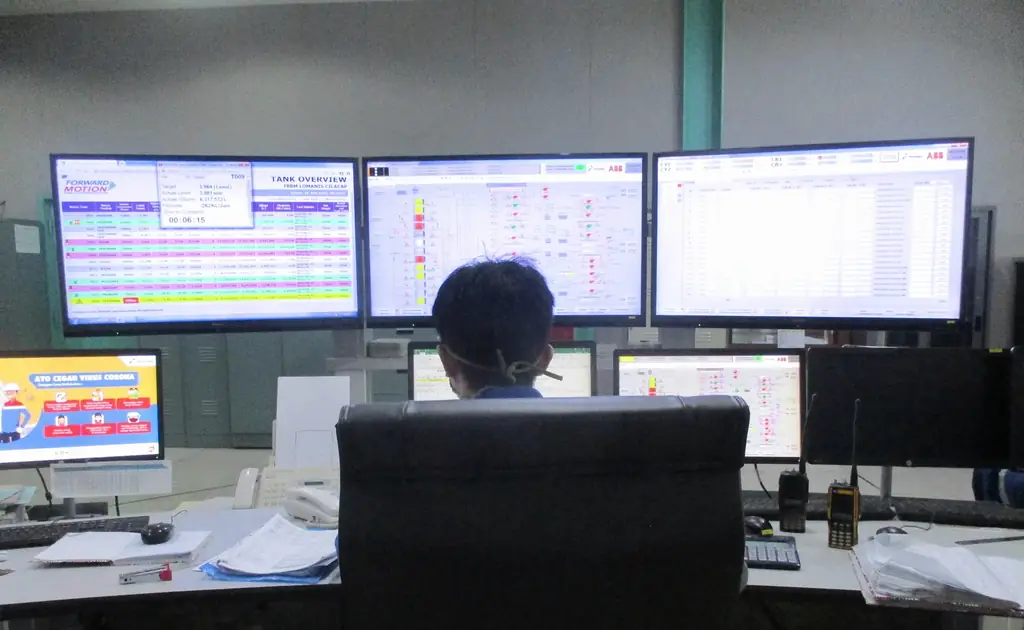
A terminal automation system runs on OT servers that host the applications operators use every shift. At Padalarang, for example, the hardware Citia maintains under its TAS lifecycle support includes the TAS server, the FD-Flow PC and the gate interface PC. When one of those machines stops, the work that depends on it stops too.
The session started from that question, why the OT server has to stay up, and then took each layer in turn: moving service from the main server to a standby unit, giving the network a backup path and a backup switch, and replicating the database so transaction records stay complete when a server or link changes over.
For the wider picture of what a TAS does, see the Citia terminal automation system page and the earlier session on TAS and control system reliability.
- 6 Nov 2026DateFriday
- 14.00 WIBTimeWestern Indonesia Time
- 15-20 minDurationShort format
- OnlineFormatFree of charge
Network redundancy: a backup path and a backup switch.
Hover, focus or tap a step to read its note.Who the session was for
Maintenance
Teams who keep terminal equipment and servers in service.
Instrumentation
Engineers who own the field signals that reach the servers.
Automation
People who configure controllers, SCADA and TAS applications.
IT/OT
Staff who run the servers, network and databases.
Terminal operations
Supervisors whose shift depends on the system being up.
Speaker
Fadli, Management System Engineering, Citia.
The session was part of the Citia Micro-Webinar series: short talks on one practical topic from terminal work, open to anyone who registers.
- Series
- Micro-Webinar #02
- Format
- Online, free
- RSVP
- siTia on WhatsApp, reply HADIR
- Recording
- Not published yet
Session timeline
- 23 Oct 2026
Earlier session on TAS reliability
Reliable terminals: TAS and control system reliability.
- 6 Nov 2026, 14.00 WIB
Micro-Webinar #02 held online
Always-On Terminal, 15 to 20 minutes.
- 13 Nov 2026
Page updated
No recording published yet.
- 21 Nov 2026, 14.00 WIB
Next: Micro-Webinar #03
MOV not read in SCADA, on Microsoft Teams.
Common questions
What was Citia Micro-Webinar #02 about?
It covered high availability for OT servers in a terminal automation system. The four topics were why the terminal OT server must stay up, server failover to a standby unit, network redundancy with backup paths and switches, and database replication to keep transaction data intact.
Is there a recording of the Always-On Terminal webinar?
Not yet. Citia has not published a recording or slides for this session, and this page will be updated if either becomes available.
What does triple-layer auto failover mean?
In the session title it means automatic failover on three layers: the server, the network and the database. The server layer moves service to a standby unit, the network layer uses a backup path and switch, and the database layer replicates data so transactions are not lost.
Who was the session for?
Maintenance, instrumentation, automation, IT/OT and terminal operations staff, as listed on the official poster.
When is the next Citia Micro-Webinar?
Micro-Webinar #03 runs on Friday 21 November 2026 at 14.00 WIB on Microsoft Teams. Its topic is troubleshooting motor-operated valves that SCADA cannot read, from the gateway to the field device.
Next step
Request the material or the next session.
An interest list helps the team choose topics. It is not registration for an announced schedule.
Get notified about the next session
We send new session announcements, then the poster and the join link the day before or on the day.
Email me about webinars
Related products and solutions
- KnowledgeOT cybersecurity at fuel terminals: real risks and first steps under IEC 62443OT cybersecurity at a terminal starts with knowing assets, separating networks, controlling remote access and testing backups. See real risks and ten first steps based on IEC 62443 and NIST SP 800-82.
- KnowledgeWhat is SCADA? Components, architecture and industrial examplesSCADA collects data from PLCs, RTUs and instruments, shows it to operators and sends supervisory commands. Components, architecture and real plant examples.
- ProductINTEGRA TASRuns truck loading at fuel and LPG terminals, from order and gate-in to filling and gate-out documents.
- ProjectPadalarang TAS lifecycle supportDistribution TAS maintenance and troubleshooting
- WebinarReliable terminals: TAS and control system reliabilityCitia Micro Webinar material examines terminal operations, field devices, controls, applications and fault diagnosis.
- WebinarMOV not read in SCADA? Practical troubleshooting from gateway to field deviceCitia Micro-Webinar #03, Friday 21 November 2026 at 14.00 WIB on Microsoft Teams: a free 20-minute case study on MOVs that SCADA cannot read.
- KnowledgePLC and SCADA backups you can actually restoreA backup counts only if it matches the running system, includes configs, licences and software versions, and has passed a restore test. Checklist and schedule.
- KnowledgePLC/SCADA assessment: start with symptoms, topology and backupsSeparate equipment, communications, applications and operating processes before deciding on replacement.