
Control systems
PLC and SCADA backups you can actually restore
A backup counts only if it matches the running system, includes configs, licences and software versions, and has passed a restore test. Checklist and schedule.
- Topic
- Control systems
- Updated
- 13 November 2026
- Reading time
- 6 min
- Sections
- 7
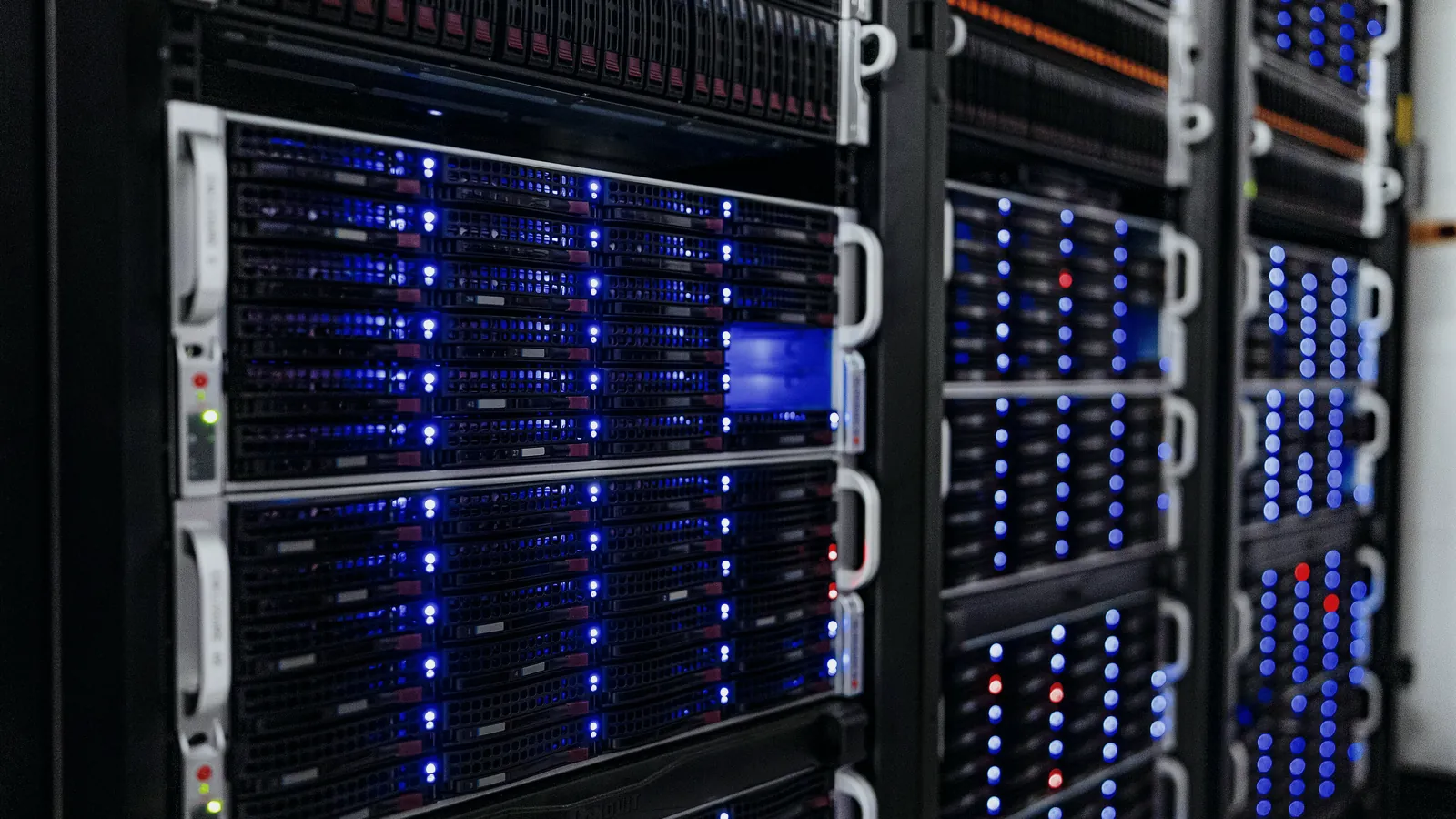
A PLC or SCADA backup is only useful if the saved version matches what is running in the field, includes the network configuration, licences and engineering software version, and has been restored successfully in a test.
Most sites have backup files. Far fewer have backups they can restore at three in the morning when a CPU or a SCADA server dies. This guide covers what a complete backup contains, why restores fail, how to prove a copy matches the running system, how to test a restore and how often to save. It builds on the SCADA architecture guide, because every layer in that chain needs its own copy.
Checklist
What a complete backup contains
A control system backup is a set of files, not one file. Each layer of the system holds something the others cannot rebuild.
The PLC program is the obvious part. Just as important are the HMI and SCADA project, the tag database, the historian and any application database, the configuration of gateways and converters, and the network settings that let them find each other. Firmware versions, licences and the exact engineering software version decide whether those files can be opened at all. Documents such as the I/O list, topology drawing and change records explain how the pieces fit.
Citia's PLC/SCADA assessment material makes the same point: PLC programs, gateway configurations, databases, SCADA projects and engineering documents serve different roles, so one backup must not be assumed to cover every layer. The grid below is a practical checklist.
Do not forget the small devices. Protocol gateways, serial converters and managed switches each hold settings that took hours to get right, and they are often missing from backup sets because they have no project file of their own.
PLC programs
Uploaded from the running controller, with its firmware version.
HMI and SCADA project
Graphics, tags, alarms, scripts and drivers.
Databases
Historian, recipes and application data.
Gateway configuration
Protocol converters, serial settings and register maps.
Network settings
IP addresses, switch configuration, routing.
Software and licences
Installers, versions, licence files or keys.
Documents
I/O list, topology, P&ID, change records.
Backup register
Who saved what, when, from where, and the last restore test.
Failure modes
Why backups fail at restore time
A backup usually fails for a dull reason: it is old, incomplete or cannot be opened. These problems stay hidden until the day the copy is needed.
The repair of the switchgear monitoring system at Petrokimia Gresik shows several at once. The existing backup could not be downloaded because the controller firmware had been upgraded, so a newer ABB Freelance version had to be installed on the engineering station. On top of that, the old engineering station hard disk had failed, so the last program was no longer available, and the system had to be reviewed and re-programmed. See the Petrokimia Gresik recovery.
Other common causes are just as ordinary:
- the saved copy is older than the program running in the field;
- the only copy sits on the engineering PC that just failed;
- nobody recorded which software version opens the file;
- the licence was tied to a dongle or PC that no longer exists;
- gateway and converter settings were never saved at all;
- the copy was taken while a forced value or test mode was still active.
At Mayora in Cianjur, the lessons recorded after a chiller SCADA repair included that backups of PLC and SCADA configuration help recovery. See the Mayora chiller SCADA repair.
Verification
Proving the backup matches what is running
A backup is trustworthy only when it has been compared with the live system. Most engineering tools can compare an offline project with the program in the controller and list every difference.
Make that comparison part of each save. Upload from the controller, compare it with the last stored version, and record the result. If they differ and nobody can explain why, treat that as a finding: an undocumented change has happened, and it needs an owner before the next fault.
A backup register keeps the evidence in one place. Each entry names the asset, firmware, file, software version, licence, a checksum of the file, the comparison result and the last restore test. The example on the right shows one entry.
# Example only: one entry in a backup register
asset: PLC-PUMP-01
location: pump house panel
controller: <vendor> <CPU model>
firmware: <version read online>
program_file: PLC-PUMP-01_<date>.zip
saved_from: online upload
engineering_software: <product> <version>
licence: <licence ID or dongle>
checksum: <file hash>
compared_with_online: yes, no differences
last_restore_test: <date>, spare CPU, passed
change_ref: <work order or change record>
copies: site server, offline drive, off-siteRestore test
How to run a restore test
A restore test proves that a copy can rebuild a working system. It does not need to touch the running plant.
Use a spare CPU, a test rack or a virtual machine for the SCADA server. Install the engineering software version recorded in the register, restore the files, and check that the program opens, compiles and matches the online version. For SCADA, confirm that graphics load, drivers start and tags resolve. Write down every gap, such as a missing licence or driver, and fix it in the backup set, not only on the test machine.
The US Cybersecurity and Infrastructure Security Agency (CISA) makes the same point in its 2025 guidance on operational technology: software backups and standby systems should be tested routinely, so that manual operation is possible and safe during an incident.
Schedule restore tests like any other maintenance task, at a fixed interval agreed for each critical system and after every major software upgrade. A test that is planned gets done; one that waits for a quiet week does not.
Pick the target
Spare CPU, test rack or virtual machine, never the live system.
Install the recorded software
Use the exact engineering software version and licence.
Restore the files
Program, project, database and configuration from the backup set.
Check it works
Opens, compiles and matches the online version; screens and tags load.
Record the result
Date, target, outcome and gaps found, in the backup register.
Close the gaps
Add missing files or licences to the backup set and retest.
Schedule
How often to back up
Back up whenever something changes, and on a fixed routine in case a change slipped through. The trigger matters more than the calendar.
The table links common events to what should be saved. The routine interval depends on how often the site changes; at the Padalarang fuel terminal, for example, the TAS maintenance team makes a database backup on the server during each monthly visit. See the Padalarang TAS lifecycle support.
| Criterion | What to save | When |
|---|---|---|
| PLC program change | Uploaded program, change record, comparison result | Before and right after the change |
| Firmware upgrade | Program, new firmware version, engineering software version | Before and after the upgrade |
| SCADA graphic or tag change | SCADA project and tag database | After the change is accepted |
| Network or IP change | Switch, gateway and device settings, updated topology | After the change |
| Device or gateway replaced | New device configuration and register map | At commissioning |
| Routine | Full set, compared with online versions | On a fixed interval agreed for the site |
Security
Storing backups safely
A backup stored on the machine it protects disappears with that machine. Keep copies in more than one place, and keep at least one offline.
Control who can write to the backup store, so that a mistake or an attacker cannot replace good copies with bad ones. A checksum recorded in the register shows whether a file has changed since it was saved. Keep installers and licence files with the backups, because a vendor download page may not offer an old version years later.
Backups belong inside the site's wider OT security programme. ANSI/ISA-62443-2-1-2024, part of the ISA/IEC 62443 series, sets security programme requirements for asset owners of industrial automation and control systems. NIST SP 800-82 Rev. 3 gives guidance on securing operational technology while keeping its performance, reliability and safety needs in view.
Ownership
Who owns backups, and what comes next
Backups need a named owner on site, even when contractors do the work. Without one, each contractor keeps its own copy and nobody holds the complete set. When a contractor finishes a job, ask for the final program, the changed configuration and the comparison result as part of acceptance, before the work is signed off.
Put backup duties into maintenance contracts: what is saved, how often, where, and how restores are tested and reported. Citia's Condition Monitoring and Maintenance service includes backup and restore tests and delivers a backup register with updated configuration. The PLC/SCADA assessment guide explains why a backup needs its recovery context recorded alongside it.
Good backups also make other work safer. They are the first step in safe PLC troubleshooting, and they are the starting point for any plan to replace hardware that has reached the end of vendor support, covered in obsolete PLC and SCADA: repair or migrate.
Terms to know
- Backup set
- All files needed to rebuild one system: programs, projects, databases, configuration and licences.
- Restore test
- Rebuilding a system from its backup on spare hardware to prove the copy works.
- Upload
- Reading the program out of a controller into the engineering software.
- Firmware
- The built-in software of a controller or module; its version must suit the program file.
- Engineering workstation
- The computer with the software and licences used to program controllers and SCADA.
- Checksum
- A short code calculated from a file that changes if the file changes.
- Backup register
- A list of every backup with its version, date, source, storage and last restore test.
Frequently asked questions
What should be backed up besides the PLC program?
Besides the PLC program, back up the HMI and SCADA project, databases, gateway and converter configuration, network settings, firmware versions, licences, the engineering software installer and key documents such as the I/O list and topology.
How often should a PLC be backed up?
A PLC should be backed up before and after every program or firmware change, and on a fixed routine agreed for the site. The routine catches changes that were made without a record.
How do I know the program in the PLC matches my backup?
Compare them: upload the program from the controller and use the engineering software's compare function against the stored copy. Record the result and a checksum in the backup register, and investigate any difference nobody can explain.
Where should PLC and SCADA backups be stored?
Store PLC and SCADA backups in at least two places away from the machines they protect, with one copy offline. Limit who can write to the store and keep the installers and licences with the files.
Is a disk image of the SCADA server enough?
No, a disk image helps but is not enough on its own. It may not boot on different hardware, it can carry licence problems, and it does not include PLC programs or gateway settings, so keep project-level backups as well.
Who is responsible for control system backups?
The site owner should name one person responsible for control system backups, even when contractors do the work. That person keeps the register, collects copies after every change and checks that restore tests happen.
Sources and further reading
- ISA/IEC 62443 Series of Standards (opens in a new tab)
- NIST SP 800-82 Rev. 3: Guide to Operational Technology (OT) Security (opens in a new tab)
- Primary Mitigations to Reduce Cyber Threats to Operational Technology (opens in a new tab)
- Condition Monitoring & Maintenance (opens in a new tab)
- Petrokimia Gresik: ABB PLC repair (opens in a new tab)
- Padalarang TAS lifecycle support (opens in a new tab)
- PLC/SCADA assessment: start with symptoms, topology and backups (opens in a new tab)
- Cover photo by NOIRLab/NSF/AURA/T. Slovinský, CC BY 4.0 (cropped and colour graded) (opens in a new tab)
Next step
Prepare the technical discussion for your facility.
Bring the equipment list, diagrams and symptoms you have. The Citia team helps map the next step.
Related products and solutions
- KnowledgeObsolete PLC and SCADA: repair, partial replacement or migration?Decide on spare parts, vendor support, security risk and downtime cost, not age. Lifecycle stages, four options compared and how to migrate in phases.
- KnowledgeLTSA and control-system maintenance for terminals: what the contract should coverLTSA is a multi-year service contract for a terminal control system. See what the scope, service levels, backups, reports and security clauses should say, and how to judge a provider.
- KnowledgeOT cybersecurity at fuel terminals: real risks and first steps under IEC 62443OT cybersecurity at a terminal starts with knowing assets, separating networks, controlling remote access and testing backups. See real risks and ten first steps based on IEC 62443 and NIST SP 800-82.
- KnowledgePLC/SCADA assessment: start with symptoms, topology and backupsSeparate equipment, communications, applications and operating processes before deciding on replacement.
- ProductCondition Monitoring & MaintenanceKeeps TAS, PLC, SCADA, servers, gateways and networks healthy, with backups you can restore.
- ProjectPetrokimia Gresik: ABB PLC repairRepair, recovery and re-programming of the ABB AC 800F and Freelance control system that monitors the 6 kV and 20 kV switchgear in the coal unit at PT Petrokimia Gresik.
- ProjectABB DCS programming at Lomanis fuel terminalTroubleshooting and recovery of the ABB System 800xA DCS at the Lomanis fuel terminal.
- ProjectPadalarang TAS lifecycle supportDistribution TAS maintenance and troubleshooting
- ProjectSCADA chiller troubleshooting at MayoraThe SCADA chiller troubleshooting project at Mayora fixed faults in the SCADA system so chiller monitoring and control work properly again.