
Regulation and Integration
OT cybersecurity at fuel terminals: real risks and first steps under IEC 62443
OT cybersecurity at a terminal starts with knowing assets, separating networks, controlling remote access and testing backups. See real risks and ten first steps based on IEC 62443 and NIST SP 800-82.
- Topic
- Regulation and Integration
- Updated
- 13 November 2026
- Reading time
- 6 min
- Sections
- 10
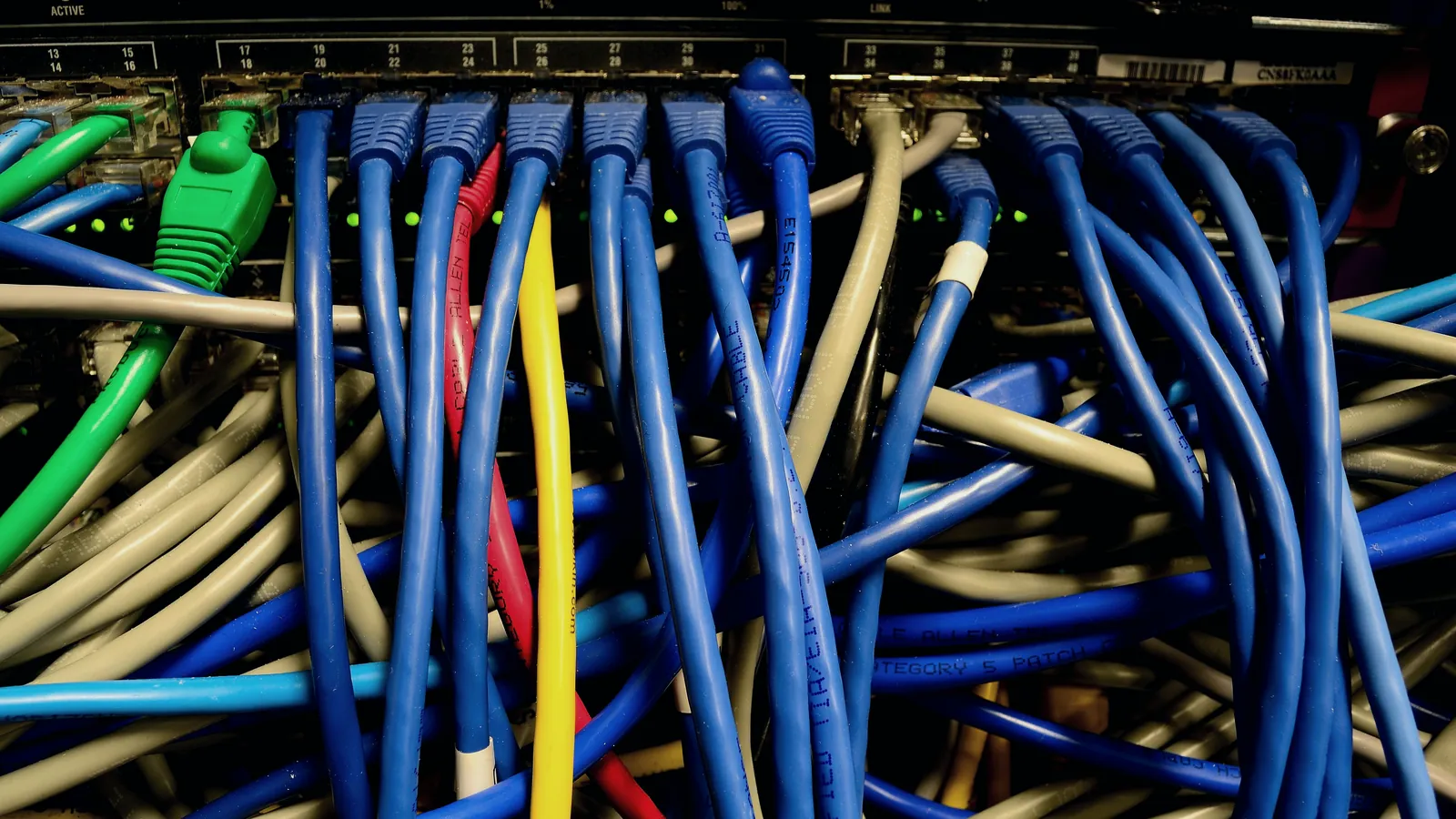
OT cybersecurity at a fuel terminal starts with four steps: know every asset and its connections, separate the control network from the office network, control remote access, and confirm that backups can be restored.
OT (operational technology) is the equipment and software that runs the physical terminal: PLCs, SCADA, the terminal automation system, gauges, meters and the networks between them. The ISA/IEC 62443 series is the common reference for securing it, and NIST SP 800-82 Rev. 3 gives practical guidance. This guide turns both into first steps a terminal can take without stopping operations, and points to the Indonesian rules for vital information infrastructure.
Context
Why OT security differs from office IT security
Office IT protects information. A terminal's OT protects a physical process that handles flammable product.
NIST SP 800-82 Rev. 3 frames the task as securing OT while respecting its unique performance, reliability and safety requirements. In practice that changes the rules. A server in an office can be restarted tonight to apply a patch. A loading bay controller cannot be restarted while trucks are loading, and a patch for it may need vendor testing first. Equipment lives for many years, and some of it cannot run current software.
Good OT security therefore uses compensating controls: separation, strict access, monitoring and backups that do not depend on touching the running system.
| Criterion | Office IT | Terminal OT |
|---|---|---|
| Main concern | Protecting information | Safe, continuous operation of the process |
| Restart for a patch | Usually possible tonight | Only in a planned window, often after vendor testing |
| Equipment life | Replaced on a short cycle | Many years, some past vendor support |
| Who touches it | Employees with managed laptops | Operators, vendors and contractors, often with their own laptops |
| Typical first control | Endpoint protection and patching | Network separation and access control |
Risks
Real risks at a fuel terminal
Most incidents in control systems start with ordinary weaknesses, not exotic attacks.
The table lists the weaknesses that appear again and again in terminal networks, with the first fix for each. None needs a large budget. All of them need someone to own the task and to check it later.
| Criterion | How it happens | First fix |
|---|---|---|
| Vendor remote access | A permanent tunnel or shared remote tool left open | One controlled entry point, approval per session, session record |
| USB drives and laptops | A technician plugs a personal drive or laptop into the control network | Scan station for media, dedicated maintenance laptops |
| Default or shared passwords | The vendor password is never changed, and everyone uses one login | Named accounts, changed defaults, removal when people leave |
| Servers without patches | No one dares to restart the TAS or SCADA server | A patch plan with test copy, backup and a maintenance window |
| A flat network | Office PCs and PLCs share one network | Zones with a firewall between them |
| Backups on the same network | Ransomware reaches the backup together with the server | An offline or separate copy, restore-tested |
Inventory
Know what you have: assets and connections
You cannot protect a device you do not know is there.
Start with a list: every PLC, server, HMI, switch, gateway, serial converter and remote link, with its model, version, location and owner. Then draw how they connect. The Citia article on PLC/SCADA assessment describes the same baseline: an asset register, the real topology and the backups, with uncertainty recorded as a finding when documents are incomplete.
Small habits help. At LPG Panjang, labelling the wiring in the server rack in stages made cable paths easier to identify later, as the LTSA project record notes. The same labelling makes an unexpected cable easy to spot.
Walk the site as well as reading the drawings. An undocumented second network card, a forgotten modem or a wireless access point added for convenience is exactly the connection an attacker finds first.
Give the list an owner. OT security often falls between the IT team, who do not know the plant, and the operations team, who do not manage networks. A named person with authority over both, even part-time, keeps the inventory current and decides who may connect what.
Architecture
Zones and conduits: separating the networks
Separation means a problem in one part of the network cannot freely spread to another.
The IEC 62443 series describes this with zones and conduits. A zone groups assets that need the same level of protection. A conduit is a controlled communication path between zones, with a firewall or a similar control on it. At a terminal the natural zones are the field and control equipment, the TAS and SCADA servers, an interface zone for data going to the business systems, and the office network.
The data link to SAP described in integrating TAS and TMS with SAP should pass through the interface zone, and the layers are explained in TAS architecture. Remote vendors enter through that same zone and never reach a PLC directly.
Gauges, meters and valves.
Hover, focus or tap a step to read its note.Levels
How secure is secure enough
Not every zone needs the same protection, and the standards give a way to decide.
IEC 62443-3-3 describes security levels. A system has a capability level, which is what its design can withstand, and each zone gets a target level chosen from risk. The zone that runs loading control and pump interlocks deserves a higher target than the guest network in the visitor room, and the difference should show in the firewall rules, the account rules and the monitoring.
The exercise also protects the budget. Raising every zone to the highest level is expensive and rarely needed, while leaving the control zone at the level of the office is how incidents start.
Remote access
Remote access, done safely
Remote access is useful and dangerous in equal measure, so it needs rules.
Vendors need to reach the system for support, and a night-time fault is a poor moment to argue about how. Decide in advance. Citia's technical bulletin on secure system integration describes a layered model with encryption, multi-factor authentication and a firewall, and the same layers apply to support sessions.
After each session, close the temporary account, read the session record and file it with the fault report. A vendor who knows the record will be read is a more careful vendor.
The contract side matters too. The LTSA guide lists the remote access, credential and incident terms to ask a service provider for.
Do
- Use one controlled entry point for every remote session
- Approve each session and set its time limit
- Require multi-factor authentication and named accounts
- Record the session and keep the record
Avoid
- A permanent tunnel to a PLC or an HMI
- A shared password for the vendor team
- Remote tools installed without the terminal's knowledge
- Opening a PLC port to the internet for convenience
Recovery
Backups that survive ransomware
A backup is useful only if it survives the incident and can be restored by someone who is tired and in a hurry.
Keep at least one copy offline or on a separate system that ransomware on the control network cannot reach. Restore it on a spare machine at least once and write down what happened. The Citia reliability material makes the same point: a backup file alone does not establish recoverability, so record its version, date, source, target equipment and any licence or configuration dependencies.
Citia's Condition Monitoring and Maintenance service includes backup and restore tests and network and gateway checks.
Different layers need different backups: PLC programs, gateway configurations, databases, SCADA projects and engineering documents. The guide on PLC and SCADA backup and restore covers how to organise them.
- Version
- Which program or configuration version the file holds
- Date and source
- When it was taken and from which device
- Target equipment
- Which device it restores onto
- Dependencies
- Licences, passwords and settings needed to restore
- Restore test
- Date of the last successful restore and who did it
Checklist
Ten first steps
A short checklist is better than a long policy that nobody starts.
Work through these in order. The first four cost almost nothing and remove the largest risks. The rest build on them. Record the date and the owner of each step, because the record is what turns a good intention into a programme.
List every asset
PLCs, servers, HMIs, switches, gateways and remote links, with owners.
Draw the connections
Include serial, wireless and modem links that are easy to forget.
Change default passwords
Use named accounts and remove shared logins.
Close open remote paths
Replace permanent tunnels with one controlled entry point.
Separate the networks
Put a firewall between the office network and the control network.
Control removable media
A scan station and dedicated maintenance laptops.
Back up and test the restore
Keep one copy offline and restore it on a spare system.
Plan patches
Test on a copy, back up, then patch in a window.
Log and watch
Keep logs from firewalls and servers and review them.
Practise a response
Decide who is called, what is isolated and what evidence is kept.
Detection
Watching and responding
Prevention fails sometimes, so a terminal also needs to notice and to act.
The Padalarang TAS support shows the habit: routine database backups and records of maintenance activity and configuration changes are kept as an audit trail.
Keep logs from the firewall between the zones, from the servers and from the remote access point, and give someone the task of reading them on a schedule. Unusual hours, new devices on the control network and repeated failed logins are the first signs worth a call.
Write a one-page response plan before it is needed: who is called, what is isolated first, how operations continue manually and what evidence is kept. Practise it once with operators, in the same spirit as testing a manual fallback for any other system.
References
Where the standards and rules point
Several documents can guide a terminal, and none of them has to be read cover to cover on day one.
The ISA/IEC 62443 series covers the asset owner, the service provider and the system. IEC 62443-3-3:2013 maps the seven foundational requirements to system requirements and security levels. IEC 62443-2-4:2023 covers service providers. NIST SP 800-82 Rev. 3, published in September 2023, is a practical guide to OT security.
In Indonesia, Peraturan Presiden Nomor 82 Tahun 2022 on the protection of vital information infrastructure names BSSN as coordinator, and energy and mineral resources is one of its sectors. Whether a given terminal is designated as vital infrastructure is decided under that regulation and BSSN's implementing rules, so ask your compliance team and check the current text on JDIH before assuming either way.
- ISA/IEC 62443 series
- The family of standards for securing industrial automation and control systems
- IEC 62443-3-3:2013
- System security requirements and security levels
- IEC 62443-2-4:2023
- Security program requirements for service providers
- NIST SP 800-82 Rev. 3
- Guide to operational technology security (September 2023)
- Perpres 82/2022
- Protection of vital information infrastructure in Indonesia, coordinated by BSSN
Terms explained
- OT
- Operational technology: the equipment and software that run a physical process.
- IACS
- Industrial automation and control system, the term the IEC 62443 series uses for what runs a plant.
- Zone
- A group of assets that need the same level of protection.
- Conduit
- A controlled communication path between zones.
- Interface zone (DMZ)
- A buffer network between the control network and the office network.
- MFA
- Multi-factor authentication: a password plus a second proof, such as a code.
- Air gap
- A network with no connection to others; in practice removable media and laptops still cross it.
- Ransomware
- Malicious software that locks data and demands payment, often reaching backups on the same network.
Frequently asked questions
What is IEC 62443?
IEC 62443 is a series of standards for the security of industrial automation and control systems. It covers asset owners, service providers and system design, with ideas such as zones, conduits and security levels. A terminal can use it as a checklist without seeking certification.
Is a SCADA system that is not connected to the internet safe?
Not automatically. Removable media, maintenance laptops, vendor connections and undocumented links reach isolated systems all the time. Isolation helps, but it needs controls on media, laptops and every remaining connection.
How can a vendor access my system remotely and securely?
Through one controlled entry point, with approval for each session, multi-factor authentication, named accounts, a time limit and a recording. The vendor should never have a permanent tunnel to a PLC or an HMI.
Where should OT security start at a terminal?
With an asset list and a connection drawing, then default passwords, remote access, network separation and a restore-tested backup. These steps cost little and remove the largest risks first.
What is the difference between OT security and IT security?
IT security mainly protects information, while OT security protects a physical process, where safety and availability come first. That is why OT relies on separation, strict access and monitoring when patching is hard.
Does a fuel terminal fall under Indonesia's vital information infrastructure rules?
It depends on whether the operator or the system is designated under Perpres 82/2022 and BSSN's implementing rules, and energy and mineral resources is one of the named sectors. Ask your compliance team and check the current text before assuming either way.
Sources and further reading
- ISA/IEC 62443 Series of Standards (opens in a new tab)
- IEC 62443-3-3:2013 System security requirements and security levels (opens in a new tab)
- IEC 62443-2-4:2023 Security program requirements for IACS service providers (opens in a new tab)
- NIST SP 800-82 Rev. 3: Guide to Operational Technology (OT) Security (opens in a new tab)
- Peraturan Presiden Nomor 82 Tahun 2022 tentang Pelindungan Infrastruktur Informasi Vital (opens in a new tab)
- Secure system integration: API protocols for fuel terminal management (opens in a new tab)
- PLC/SCADA assessment: start with symptoms, topology and backups (opens in a new tab)
- Cover photo by Raysonho @ Open Grid Scheduler / Grid Engine, CC0 (opens in a new tab)
Next step
Prepare the technical discussion for your facility.
Bring the equipment list, diagrams and symptoms you have. The Citia team helps map the next step.
Related products and solutions
- KnowledgePLC and SCADA backups you can actually restoreA backup counts only if it matches the running system, includes configs, licences and software versions, and has passed a restore test. Checklist and schedule.
- KnowledgeOPC UA vs Modbus vs MQTT: which protocol for which jobOPC UA carries values with structure and built-in security, Modbus carries raw registers, and MQTT publishes data to a broker. When to use each one.
- KnowledgeWhat is SCADA? Components, architecture and industrial examplesSCADA collects data from PLCs, RTUs and instruments, shows it to operators and sends supervisory commands. Components, architecture and real plant examples.
- NewsSecure system integration: API protocols for fuel terminal managementCovers API-based integration for communication between existing fuel terminal systems and monitoring platforms.
- KnowledgePLC/SCADA assessment: start with symptoms, topology and backupsSeparate equipment, communications, applications and operating processes before deciding on replacement.
- ProductCondition Monitoring & MaintenanceKeeps TAS, PLC, SCADA, servers, gateways and networks healthy, with backups you can restore.
- ProductINTEGRA TASRuns truck loading at fuel and LPG terminals, from order and gate-in to filling and gate-out documents.
- ProductINTEGRA CTPTerminal automation run from the cloud, with gateways and edge software at each site.